
August 26, 2026
RealityScan Mobile 1.9 is now available
The latest update to the free mobile application improves capturing, reviewing, and processing models, along with fixes for known issues.
RealityScan photogrammetry
Create detailed 3D models from images and laser scans with ease. Turn the world around you into precise digital replicas.
RealityScan updates
August 26, 2026
The latest update to the free mobile application improves capturing, reviewing, and processing models, along with fixes for known issues.

June 24, 2026
Experience fast 3D reconstruction with support for Radeon, RDNA 4, and Ryzen AI Max on Windows, plus a new 360 camera workflow tutorial.

May 12, 2026
Learn how licensing changes affect your work and how to preserve your pay-per-input projects for future use.
RealityScan Mobile
Turn your phone into a powerful 3D scanning tool and bring the real world into digital space. Capture, process, and share high-fidelity scans from wherever you are.
Learn more
Built for every challenge
Capture your surroundings. Scan objects. Preserve artifacts. Recreate reality in stunning detail and transform real-world objects into immersive digital environments.
RealityScan features
Turn reality into stunning digital replicas, reconstruct entire environments, and create assets from real-world objects. RealityScan gives you the freedom to transform the physical world into high-quality digital models.
See all features
Desktop workflow
Before you can install and run RealityScan, download and install the launcher for your computer.
Once downloaded, open the launcher and continue with your RealityScan setup.
Open the RealityScan workspace and choose the install option to download the latest version.
Grab your phone and start scanning.
Learn RealityScan
New to photogrammetry? Switching from another tool? Find tutorials, guides, samples, documentation, and practical resources to help you master RealityScan.
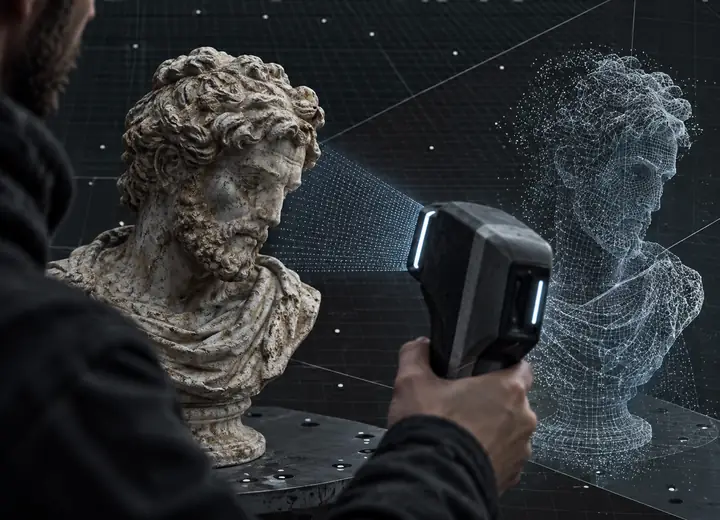
Guide through the basic process of creating a model.
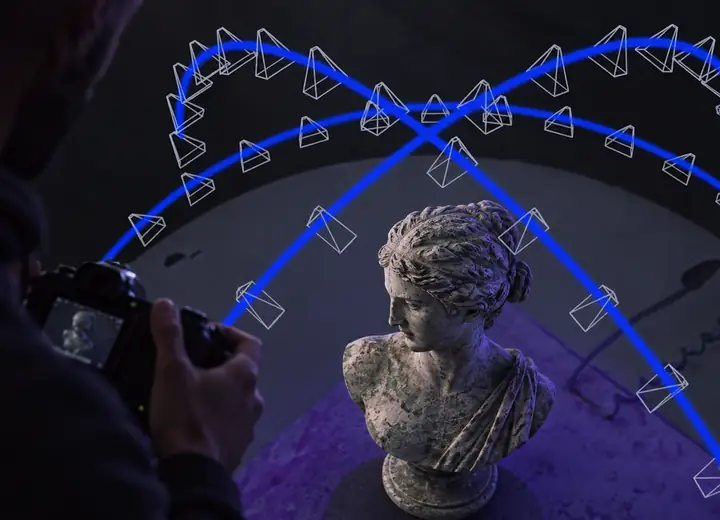
Find recommendations for taking photos that produce the best results.
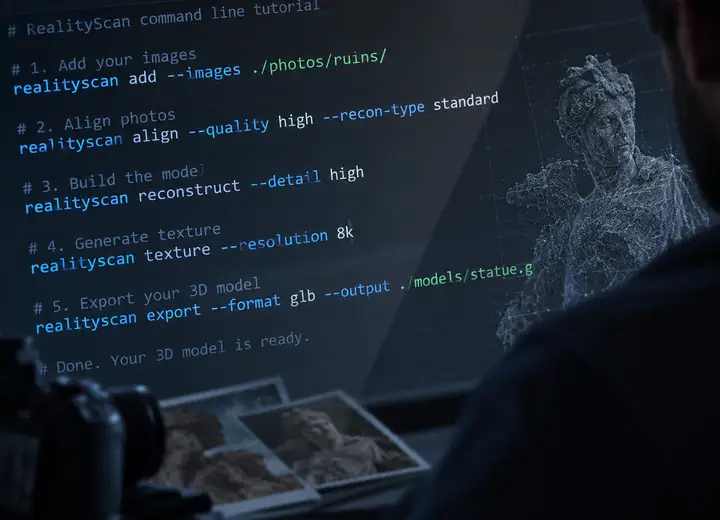
Learn how to automate tasks in RealityScan with CLI commands.
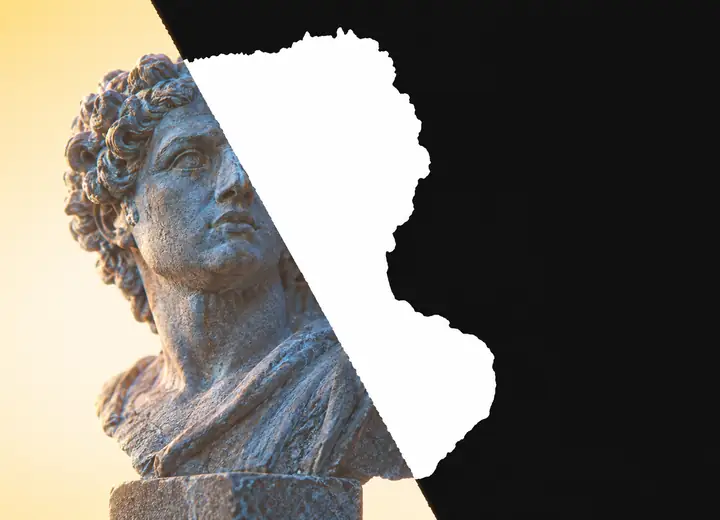
Use masks to hide parts of photos and capture objects from all sides.
Samples include image sets, laser scans, and batch files designed to help you quickly learn and start working with RealityScan.
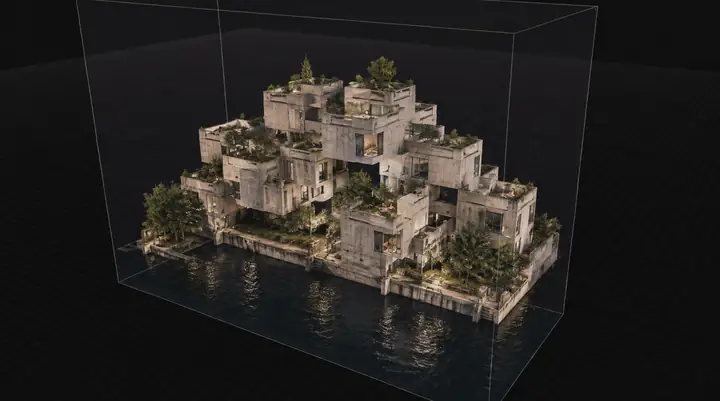
Large dataset containing images and laser scans.

A festive 3D model created from 158 images.
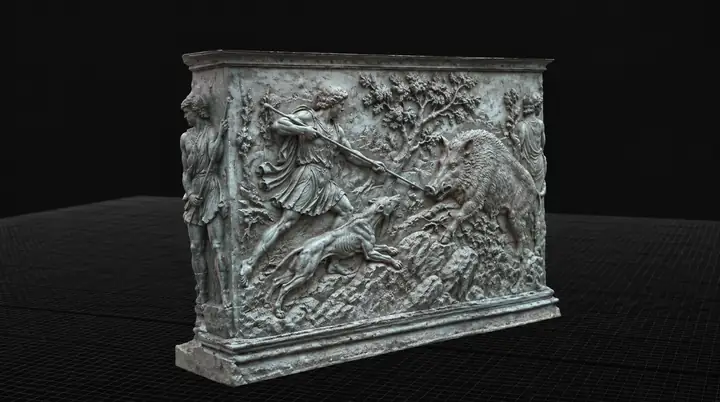
A 14-image dataset captured with a compact camera.
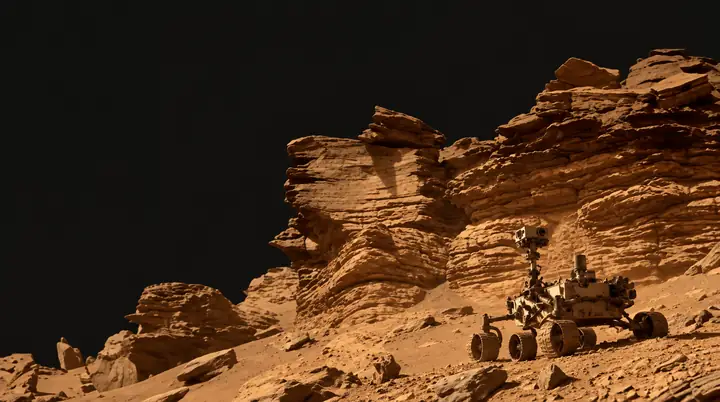
Explore Mars with images captured by a rover.
The latest tutorials and courses from our experts.
Helpful resources for learning RealityScan.
Flexible access
Clear options for individuals, small businesses, educators, and teams. Choose the path that fits the way you create.
For individuals and small businesses with less than $1 million USD in annual gross revenue. Educators and schools can also use RealityScan for learning.
For individuals and businesses that make over $1 million USD in gross annual revenue and wish to purchase a yearly RealityScan seat.


